How to Deal with a Jammed Smart Lock
Smart locks have revolutionized home security, providing keyless convenience and enhanced protection. However, like any piece of technology, they can occasionally malfunction. One of the most common issues users face is a jammed smart lock. Imagine coming home after a long day, only to find your door refusing to unlock despite entering the correct code or using your mobile app. The situation is frustrating, but before you panic or call a locksmith, there are several troubleshooting steps you can take. This guide will walk you through the causes of a jammed smart lock, how to fix it, potential risks involved, expert recommendations, and preventive measures to keep your smart lock in top shape.
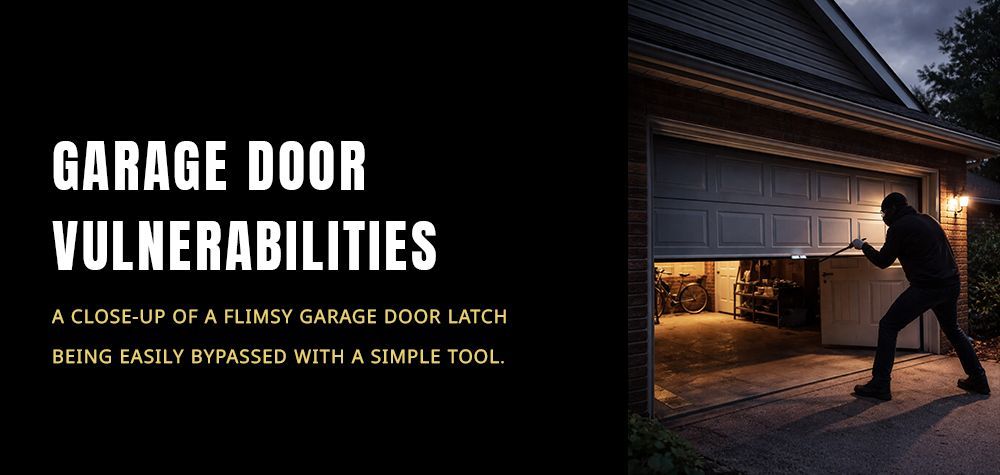
How to Open a Garage Door When the Power Is Out
Common Causes of a Jammed Smart Lock
Understanding why your smart lock is jammed can help you determine the best course of action. Several factors can contribute to this issue:
1. Low Battery Power
One of the leading causes of a jammed smart lock is depleted batteries. Most smart locks rely on battery power, and when the charge is too low, the locking mechanism may fail to function correctly.
2. Mechanical Jamming
Traditional locks suffer from mechanical wear and tear, and smart locks are no exception. If dirt, rust, or debris accumulates in the locking mechanism, it may prevent smooth operation.
3. Software or Connectivity Issues
Many smart locks are controlled via Wi-Fi or Bluetooth, meaning software glitches or connectivity problems could cause a lock to become unresponsive or stuck.
4. Misalignment of the Deadbolt
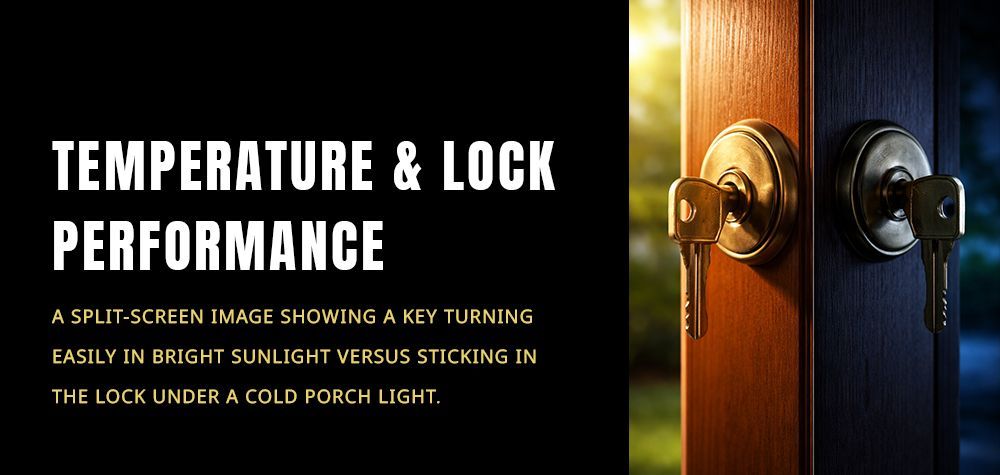
If the door and frame are not perfectly aligned, the deadbolt may not slide in or out smoothly. Over time, misalignment can worsen due to temperature fluctuations or house settling.
5. Jammed Motor or Internal Components
Smart locks contain small motors and gears that engage the deadbolt. If one of these components malfunctions, the lock may get stuck.
Step-by-Step Solutions to Fix a Jammed Smart Lock
Once you’ve identified the potential cause, follow these steps to troubleshoot and resolve the issue:
1. Check and Replace the Batteries
If your smart lock isn't responding, the first thing you should do is replace the batteries. Use fresh, high-quality alkaline batteries and avoid rechargeable ones, as they can sometimes provide inconsistent power levels.
2. Manually Unlock the Door
Most smart locks come with a physical key as a backup. If your lock is jammed, try using the manual key to unlock it. If the key doesn’t turn easily, the issue may be mechanical rather than electronic.
3. Lubricate the Lock Mechanism
If the smart lock’s deadbolt is sticking, a bit of lubrication can help. Use a graphite-based lubricant (not oil-based) and apply it to the keyhole and moving parts of the lock.
4. Check for Deadbolt Misalignment
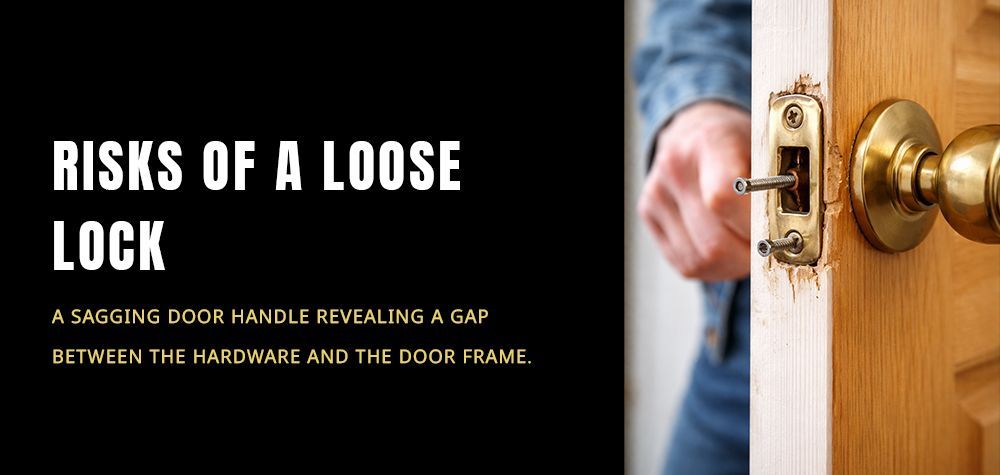
Close the door and check if the deadbolt aligns properly with the strike plate. If it doesn't, loosen the screws on the plate and adjust its position until the deadbolt moves freely.
5. Reset the Smart Lock
If the issue seems to be software-related, try performing a factory reset. This process varies by brand, so refer to your manufacturer’s manual for instructions. Keep in mind that a factory reset will erase any stored user codes and settings.
6. Verify Wi-Fi or Bluetooth Connection
If your smart lock relies on an app and is unresponsive, check whether your internet or Bluetooth connection is stable. Restart your router or reconnect the lock to your phone to refresh the connection.
7. Inspect for Physical Damage
Sometimes, a jammed smart lock results from internal damage, such as a broken gear or faulty motor. If you suspect this is the case, you may need to replace the lock.
Risks Involved When Fixing a Jammed Smart Lock
While troubleshooting, be mindful of potential risks:
- Forcing the lock: Applying too much pressure can break internal components or damage the door itself.
- Incorrect battery replacement: Using incompatible or low-quality batteries can lead to further malfunctions.
- Resetting the lock improperly: A factory reset may resolve software issues, but if done incorrectly, it can erase all stored data, requiring complete reconfiguration.
Expert Recommendations for Maintaining a Smart Lock
To minimize the chances of your smart lock jamming, follow these expert maintenance tips:
- Replace batteries proactively every 6–12 months to ensure reliable operation.
- Lubricate moving parts every few months with a dry lubricant to prevent mechanical sticking.
- Ensure door alignment to prevent deadbolt misalignment issues.
- Update the firmware regularly to fix bugs and enhance functionality.
- Test the manual key occasionally to ensure it works in case of an emergency.
Preventive Measures to Avoid Future Lock Jams
Prevention is always better than repair. Here are some measures to keep your smart lock running smoothly:
- Install a surge protector if your smart lock is wired to prevent power fluctuations from causing software issues.
- Avoid exposure to extreme weather by choosing a weatherproof smart lock, especially in areas with harsh climates.
- Schedule periodic maintenance by checking the lock’s responsiveness and making necessary adjustments before problems arise.
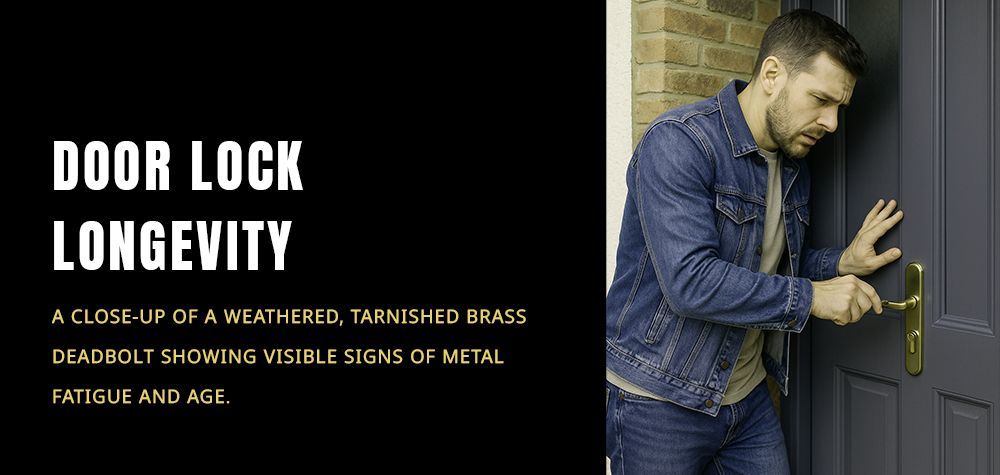
Should You Replace a Rusty Lock or Repair It? Here’s How to Decide
Conclusion: Staying Secure with a Well-Maintained Smart Lock
A jammed smart lock can be an inconvenient and stressful experience, but with the right approach, it’s often a problem that can be fixed without professional help. By understanding the potential causes, following step-by-step solutions, and implementing expert-recommended maintenance, you can keep your smart lock functioning smoothly. Smart locks offer unmatched convenience and security, but like any technology, they require proper care. Stay proactive, and you’ll enjoy a hassle-free and secure smart locking system for years to come.
Call Us Any Time!