Top Security Mistakes Homeowners Make With Smart Locks
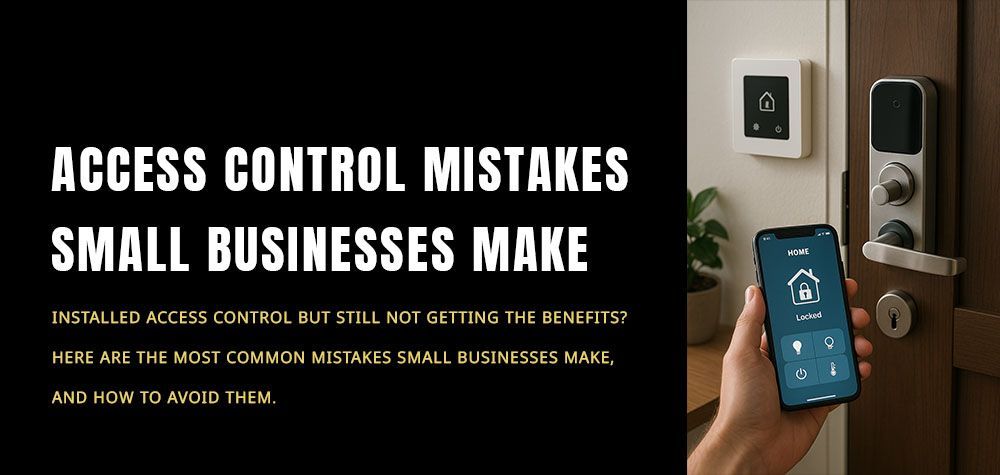
Smart locks have become increasingly popular for homeowners who value convenience, remote access, and modern security. However, despite their advanced technology, many people unknowingly make mistakes that put their homes at risk. Understanding these common security errors and knowing how to avoid them can help you fully benefit from your smart lock’s features without compromising your safety.
Overlooking Proper Setup and Configuration
One of the biggest mistakes homeowners make is failing to set up their smart locks properly. Many users rely on default settings, skip reading the manual, or rush through the installation process. This can leave your lock vulnerable to hacks or technical glitches. Always make sure your smart lock is installed according to the manufacturer’s guidelines, connect it to a secure network, and update its firmware immediately after installation. A properly configured lock forms the foundation of your home’s security.
Using Weak or Reused Passwords
Passwords are the first line of defense for smart locks, yet many homeowners use weak, predictable, or reused passwords for convenience. If your smart lock app shares the same password as your email or social media accounts, hackers have an easier way in. Always create strong, unique passwords that combine upper and lowercase letters, numbers, and symbols. Even better, enable two-factor authentication whenever available to add an extra layer of protection against unauthorized access.
Ignoring Regular Firmware and App Updates
Smart lock manufacturers frequently release updates to improve performance and patch security vulnerabilities. Skipping these updates can leave your device exposed to cyber threats. Enable automatic updates on your lock’s app or set a reminder to manually check for them. Keeping your software current ensures that your smart lock benefits from the latest security enhancements and bug fixes.
Forgetting to Secure the Wi-Fi Network
Your smart lock’s security is only as strong as the network it’s connected to. Many homeowners forget to secure their home Wi-Fi properly, making it easier for hackers to breach their systems. Use a strong, unique Wi-Fi password and ensure your router’s firmware is up to date. If possible, set up a separate network exclusively for smart devices like locks, cameras, and thermostats. This minimizes the risk of a breach affecting your entire home system.
When to Call a Locksmith vs. DIY Lock Repair
Sharing Access Too Casually
One of the most convenient features of smart locks is the ability to grant temporary or permanent access to family members, friends, or service providers. However, sharing digital keys too freely can create security loopholes. Always manage who has access and set clear expiration dates for temporary permissions. Regularly review your lock’s activity logs to monitor who has entered your home and revoke access if it’s no longer needed.
Relying Solely on Smart Locks
While smart locks add an impressive layer of convenience and control, they shouldn’t be your only line of defense. Relying solely on them without other security measures can be risky. Complement your smart lock with physical deadbolts, security cameras, alarm systems, and motion sensors. A layered approach makes your home far harder to compromise, even if one system fails.
Neglecting Backup Options
What happens if your smartphone battery dies, the Wi-Fi goes down, or your lock malfunctions? Many homeowners forget to prepare for these scenarios. Always keep a backup key, learn how to use your lock’s manual override, and ensure you have alternative entry methods available. Preparing for emergencies ensures you won’t be locked out or left vulnerable.
Wrapping Up
Smart locks are powerful tools for enhancing home security and convenience, but they are not foolproof. Avoiding common mistakes—like using weak passwords, ignoring updates, or overlooking network security—can make a significant difference in how protected your home truly is. By combining smart technology with thoughtful security practices, you can enjoy the benefits of modern locks while keeping potential threats at bay.
Call Us Any Time!