How Smart Locks Handle Power Outages and Connectivity Issues
Smart locks are one of the most popular upgrades in modern home and business security. They bring convenience, remote control, and advanced access options that traditional locks could never offer. But there’s one question that often makes people hesitate before investing in them: what happens during a power outage or when the internet goes down?
After all, no one wants to be locked out of their house in the middle of the night simply because the Wi-Fi router crashed, or find themselves stuck outside during a blackout. The good news is that smart locks are designed with these very concerns in mind. Let’s explore how they continue to protect you even when electricity and connectivity become unreliable.
Can a Locksmith Recover a Lost Digital Lock Passcode?
Do Smart Locks Stop Working During Power Outages?
Many people assume that smart locks are entirely dependent on a constant power supply. In reality, most smart locks are battery-operated, not directly connected to your home’s electrical wiring. This means that even if the electricity goes out, your lock doesn’t shut down.
Manufacturers typically build in long-lasting batteries that can keep the system running for months at a time. Some locks even send alerts to your smartphone when the battery is low, giving you plenty of warning to replace it before it dies. And if you ignore those alerts and the battery does eventually run out, backup solutions such as physical keys or external charging ports ensure you’re never stranded outside.
What Happens When Connectivity Fails?
Since many smart locks rely on Wi-Fi or Bluetooth for remote access, a lost connection can feel worrying. The truth, however, is that smart locks don’t become useless just because the internet is down.
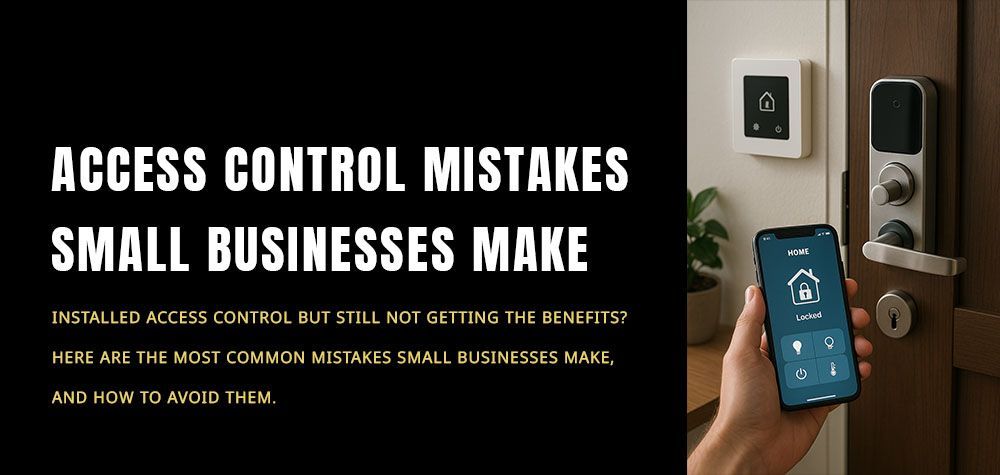
Most smart locks continue to function locally even without Wi-Fi. For example, if your lock uses Bluetooth, your smartphone can still communicate directly with it. You may lose the ability to unlock the door remotely from miles away, but you’ll still be able to use the app when you’re physically near the lock. Some models also store PIN codes and allow keypad access, so your household can enter without relying on an internet connection.
In other words, connectivity enhances convenience but doesn’t completely control your lock.
Built-In Fail-Safes for Reliability
One of the reasons smart locks are gaining popularity in both homes and commercial properties is because of their fail-safe designs. Manufacturers understand that security cannot stop working during a crisis. That’s why most smart locks include multiple access methods.
You might use your phone to unlock the door under normal circumstances, but you’ll also have a traditional keyhole as a backup. Keypads with PIN codes add another layer of reliability, ensuring that even if both the Wi-Fi and Bluetooth fail, you can still enter with a code. Some high-end models even integrate with Z-Wave or Zigbee networks, which can continue operating in local mode without requiring full internet access.
The Balance Between Convenience and Security
While these backup systems make smart locks more reliable, it’s important to note that they are still electronic devices. Regular maintenance, like checking the battery level and ensuring firmware updates, is essential to keep them working smoothly. For homeowners and business owners, this balance between technological convenience and traditional backup options is what makes smart locks so effective.
Think of it this way: a smart lock is not meant to replace security altogether but to enhance it. The ability to grant remote access to guests, monitor entry logs, or integrate your lock with a smart home system adds layers of control and convenience that old-fashioned locks simply cannot match. At the same time, the presence of keys, codes, or local connections ensures that your safety doesn’t vanish when the power flickers or the Wi-Fi goes out.
Why This Matters for Homeowners, Car Owners, and Businesses
For homeowners, knowing your smart lock won’t fail in a blackout means peace of mind. For car owners using keyless or smart entry systems, the same principles apply — vehicles often come with both electronic fobs and mechanical keys for emergencies. And for businesses, especially those relying on access control systems, the assurance of local functionality during internet downtime is invaluable.
At Brothers Locksmith, we’ve seen how important these considerations are when people choose new security solutions. That’s why we not only help with traditional residential, automotive, and commercial locksmith services but also provide guidance and installation for modern smart locks. Whether you’re locked out in the middle of the night, need help programming a digital lock, or want advice on upgrading to the latest models, our team is always ready — 24/7 in Houston and Albam.
Final Thoughts
Smart locks are not perfect, but they are far from fragile. They’re built with backup batteries, alternative access methods, and local connectivity options to ensure that your security never depends solely on electricity or Wi-Fi. The next time you wonder if a blackout or weak signal might lock you out, rest assured that these systems are designed with exactly those scenarios in mind.
By combining modern technology with reliable fail-safes, smart locks give you the best of both worlds: the convenience of digital access and the peace of mind of traditional security.
Call Us Any Time!