How to Troubleshoot Frequent Smart Lock Errors
Your smart lock is supposed to make life easier. But lately, it keeps acting up. The bolt jams. The keypad ignores your code. The door doesn't auto-lock. Each time, you fix it, and then it happens again.
Frequent smart lock errors are annoying, and they can be a security worry too. The good news is that most of them have a pattern. If you can spot what the lock is doing, you can usually find the cause.
This guide is organized by symptom. Find what your lock is doing and follow the steps. If the problem keeps coming back, you'll learn when it's time to call a pro. Our residential locksmith services can inspect, repair, or replace the lock.
Start With a Quick Log
Before you fix anything, write down what happens. Note the date, the time, the weather, and what the lock did. After a few errors, you may see a pattern. For example, it may fail only on cold mornings, or only when the door is slammed.
Error codes and flash patterns differ by brand, so check your manual for what yours mean.
If the Bolt Jams or Sticks
A motor that strains or stops mid-turn is one of the most common errors.
- Check the door alignment. If the door sags or swells, the bolt may rub the strike plate. Try locking with the door open. If it works, the problem is alignment, not the lock.
- Look at the strike plate. Check that the hole lines up with the bolt.
- Tighten loose screws. Loose hinges and lock screws shift the alignment.
- Check for dirt and ice. Debris and frost can block the bolt.
Seasonal changes can make doors swell or shrink. Learn more in our guide on how weather affects your locks.
If the Keypad Doesn't Respond
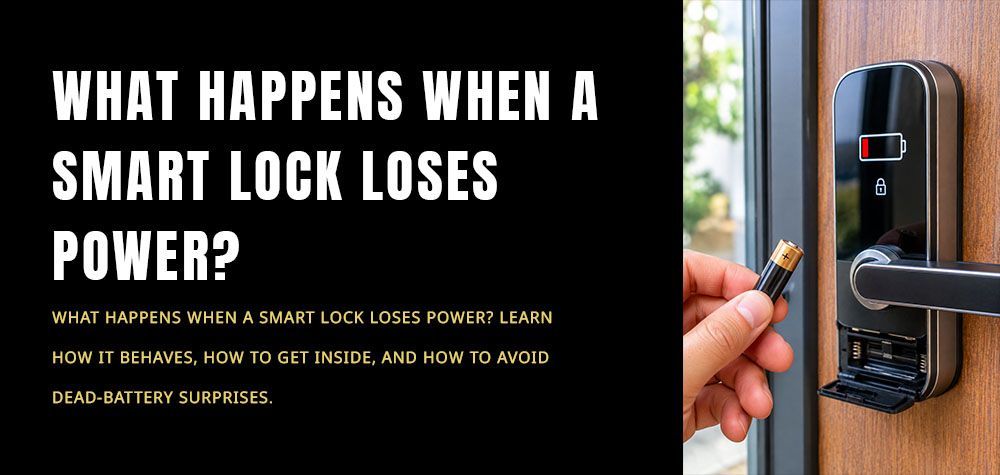
- Replace the batteries. A weak battery is the top cause.
- Clean the keypad. Wipe away dirt and moisture with a dry cloth.
- Check for a lockout mode. Too many wrong codes can disable the keypad for a few minutes.
- Check the settings. Some locks have a keypad lock or vacation mode.
If Your Code Is Rejected
- Check for expired guest codes. Temporary codes may have run out.
- Confirm the code was saved. A code added during a bad connection may not have synced.
- Re-enter slowly. Press each key firmly.
- Reset and re-add the code if it still fails.
If Auto-Lock Doesn't Work
- Make sure the door closes fully. The lock senses the door's position.
- Check the door sensor and magnet. If it's misaligned, the lock doesn't know the door is shut.
- Review the settings. Auto-lock timers can be turned off by mistake.
- Recalibrate the lock. Many models have a calibration step in the app.
If You Hear Grinding or See a Slow Motor
This usually points to batteries, a worn motor, or a door problem. Replace the batteries first. If the sound stays, a worn gear or motor may need repair.
If the App Shows Errors
- Update the app and the lock's firmware.
- Log out and back in.
- Restart your phone.
- Check that the lock's time and date settings are right.
For connection problems, see our article on how smart locks handle power outages and connectivity issues.
What You Can Do: A Simple Routine
- Replace batteries with fresh ones.
- Test the lock with the door open, then closed.
- Check the strike plate and screws.
- Clean the keypad and bolt.
- Update the app and firmware.
- Reset the lock to default settings, if your manual allows.
- Re-add codes and users.
Regular care helps too. See why regular lock maintenance is important.
When the Problem Keeps Coming Back
Call a professional if:
- Errors return within days after a reset
- The motor grinds or stalls
- The door won't lock reliably
- The lock is older or has been damaged
- You can't find a pattern
How a Locksmith Can Help
A locksmith can tell whether the problem is the lock, the door, or the setup. We can realign the door, replace worn parts, repair or replace smart locks, and install new ones correctly. A proper install prevents many errors from the start.
Smart Lock Error FAQs
Q: Why does my smart lock keep jamming?
A: Door misalignment, a loose strike plate, or weak batteries are the usual causes.
Q: Why is my smart lock not accepting my code?
A: The code may have expired, failed to sync, or the keypad may be in lockout mode.
Q: Why won't my smart lock auto-lock?
A: The door may not be closing fully, or the sensor may be misaligned.
Q: How do I reset a smart lock?
A: Follow your manual. Most have a reset button or a reset sequence.
Q: When should I replace a smart lock?
A: Replace it if errors keep returning, it's damaged, or the motor is failing.
Final Thoughts on Smart Lock Errors
A smart lock that keeps failing can wear out your patience. But most errors aren't random. A jam often points to the door. A dead keypad often points to the batteries. A rejected code often points to settings or an expired user.
Keep a quick log, work through the steps one at a time, and you'll often fix the problem yourself. If the same error keeps coming back, don't keep resetting it. Repeated strain can damage the motor and leave you locked out.
When you're ready for expert help, we're available 24/7. Call (888) 947-5585 or contact us online.
Call Us Any Time!