Is It Safe to Store Digital Keys in Your Smartphone Wallet?
Not long ago, our pockets were weighed down by heavy keychains holding house keys, car keys, office keys, and sometimes even spare padlock keys. Fast forward to today, and the picture is very different. Technology has transformed how we access and secure our belongings. With smart locks, key fobs, and digital access codes, the humble key is no longer just a piece of metal.
Now, smartphone wallets are stepping in as the new keyring. Just as you can store credit cards and boarding passes in your Apple Wallet or Google Wallet, you can now store digital keys for your home, car, or office. The appeal is obvious: one sleek device that holds everything. But with convenience comes a serious question — how safe is it really to store your keys inside your smartphone?
How Digital Keys in Smartphone Wallets Actually Work
Digital keys are essentially virtual replicas of your physical key, secured with encryption. When you load one into your smartphone wallet, you’re not just storing an image of your key — you’re integrating with a system that uses advanced technology to verify and grant access.
Here’s how they usually work:
Car keys → Many modern vehicles use NFC or Bluetooth, allowing you to unlock doors or even start the engine by holding your phone near the car.
If your digital car key ever fails, our automotive locksmith services can provide quick key replacement or emergency lockout help.
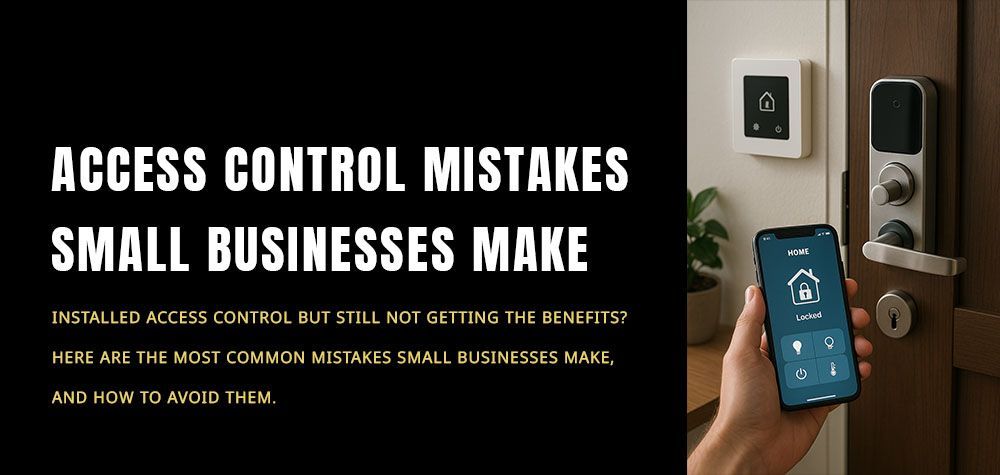
Smart home locks → These connect to apps that sync with your wallet, letting you open your front door with a tap or gesture. For homeowners, our residential locksmith team can assist with rekeying or upgrading to smart lock systems for added peace of mind.”
Commercial access → Businesses increasingly rely on digital credentials stored in employee phones to manage building security without issuing physical ID cards.
The technology behind this is advanced, but like all tech, it’s not invincible.
Why People Love Digital Keys
The surge in popularity isn’t accidental. Storing digital keys in your smartphone wallet offers clear advantages:
Simplicity: No more carrying around bulky keychains or worrying about losing small keys.
Remote control: If you’re out of town, you can grant a friend or family member access to your home without needing to mail them a spare key.
Instant revocation: Lost a phone? You can revoke access remotely, unlike a physical key that needs to be rekeyed or replaced.
Integration: Your phone becomes an all-in-one device — a wallet, boarding pass holder, car key, and home key.
Eco-friendly: Fewer physical keys mean less metal waste and fewer replacements over time.
For many users, the shift feels natural — after all, if we trust our smartphones with banking details, why not our keys?
Should You Upgrade to a Fingerprint Lock This Year?
The Hidden Risks You Can’t Ignore
But here’s the reality: digital convenience often attracts digital threats. Before you rely solely on smartphone-stored keys, you should be aware of the risks:
1. Theft and Loss
Imagine losing your phone in a busy city. Even with built-in security, if your phone isn’t properly protected, you could be handing someone the keys to your car or home.
2. Hacking Attempts
Cybercriminals are always on the lookout for vulnerabilities. A weak password, outdated operating system, or a malicious app could give them a way in. Since digital keys rely on apps and cloud connectivity, they can be targeted just like online banking or email.
3. Dead Batteries
Unlike traditional keys, digital keys have one glaring flaw — they depend on your smartphone’s battery. A drained phone late at night could mean being locked out of your house or stranded by your car.
4. Limited Compatibility
Not every lock is compatible with digital wallets. You may still need to carry backups, which reduces the “all-in-one” promise.
Security Measures: Protecting Your Digital Keys the Smart Way
The good news? You can minimize most risks with a few smart practices.
Lock your phone properly: Always use strong passcodes, biometrics (fingerprint or face ID), and automatic lock timers.
Enable two-factor authentication (2FA): This adds a second layer of security before anyone can use your digital keys.
Update your phone regularly: Software updates often patch vulnerabilities hackers might exploit.
Use trusted apps only: Only download the official apps from your car manufacturer, smart lock provider, or wallet service.
Activate “Find My Device” features: If your phone is lost or stolen, you can erase its data remotely.
Keep a backup key: As much as we love innovation, a physical spare can save you in emergencies.
Should You Fully Replace Physical Keys with Digital Ones?
For now, digital keys are best used as a convenient supplement rather than a complete replacement. They are highly secure thanks to encryption, but the dependency on technology introduces risks that traditional keys don’t have.
A balanced approach could be:
- Use your smartphone wallet as the primary everyday option.
- Keep a physical key in a safe place as a backup for emergencies.
- Regularly test both methods to ensure reliability.
This way, you get the benefits of modern convenience without being left vulnerable to technical hiccups.
Final Thoughts
Storing digital keys in your smartphone wallet is not just a futuristic idea — it’s already here, and millions of people use it daily. The technology is secure enough for most users when combined with good smartphone security practices. But no system is completely foolproof.
Think of it this way: your phone already carries sensitive data like bank cards, passwords, and private messages. If you treat your digital keys with the same level of care, they can be just as safe. Still, for peace of mind, always keep a fallback plan — whether that’s a traditional key or an alternate way to access your locks.
Call Us Any Time!