Access Control Mistakes Small Businesses Make
Access control systems are supposed to make security simpler, less reliant on physical keys, easier to update, more visible into who's coming and going. But a surprising number of small businesses install one and then undermine its benefits through a handful of common, avoidable habits. The system ends up technically in place without actually delivering the control it was meant to provide.
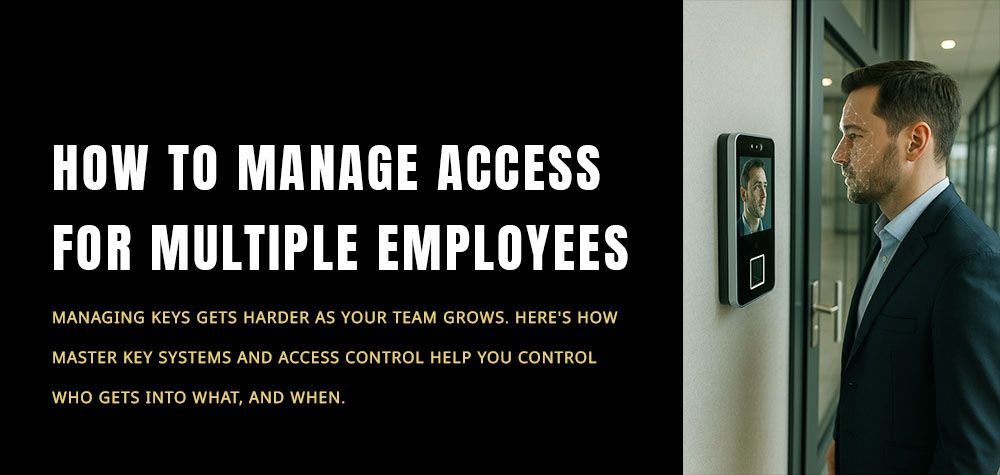
How to Manage Access for Multiple Employees
Sharing a Single Credential Across Multiple Employees
This is the most common mistake, and it defeats much of the purpose of access control in the first place. When several employees use the same fob or code, you lose the ability to tell who actually accessed a door at a given time, and deactivating that shared credential because one person left means resetting access for everyone still using it. Individual credentials per employee are what make access control meaningfully better than a shared physical key.
Never Reviewing or Auditing Active Credentials
Access control systems can accumulate inactive or forgotten credentials over time, a fob for a former employee that was never deactivated, a temporary code set up for a contractor months ago and never removed. Without periodic review, the system's access list drifts further from reality the longer it goes unchecked, until nobody's entirely sure which credentials are still valid.
Treating Access Control as "Set and Forget"
Installing the system is only the beginning. Fobs and cards can be lost, PIN codes can be shared informally between employees despite instructions not to, and door hardware itself needs occasional maintenance like any other lock. Businesses that install access control and then never revisit it are often surprised, later, by how much drift has occurred in who has access to what.
Not Removing Access Immediately After Departures
This mirrors a mistake that happens with physical keys too, but it's arguably more avoidable with access control, since deactivating a credential takes minutes rather than requiring a locksmith visit. Some businesses still delay this step regardless, treating it as a lower priority than it actually is.
Why Employee Turnover Can Create Security Risks
Giving Broader Access Than the Role Actually Requires
It's often simpler, in the moment, to grant an employee access to every door rather than thinking through what their specific role actually needs. This convenience adds up: the more employees have unnecessary access to sensitive areas, the more exposure exists if any single credential is lost, shared, or misused.
Ignoring the Physical Security of the Access Control Hardware Itself
A keypad or card reader that's poorly mounted, easily bypassed, or installed without considering the door and frame's own security can undermine an otherwise well-managed access control system. Access control doesn't replace the need for solid door hardware, it works alongside it, and installing one without attention to the other leaves a gap.
Not Having a Backup Plan for System Failures
Access control systems, being electronic, can occasionally malfunction or lose power. Businesses that have no fallback, no backup key, no manual override, can find themselves locked out of their own building during a system failure, which is a preventable situation with basic planning.
Signs Your Business Security Needs an Upgrade
What Businesses Can Do Instead
- Assign individual credentials to every employee, not shared fobs or codes
- Schedule periodic audits of active credentials, removing anything tied to former employees or expired contractor access
- Treat departures as an immediate access-removal trigger, not a lower-priority task
- Match access levels to actual role requirements, rather than defaulting to full access for convenience
- Ensure the underlying door hardware is solid, since access control works alongside good locks, not instead of them
- Keep a backup access method in case of a system malfunction or power failure
How a Locksmith Can Help
A commercial locksmith experienced in access control can review your current setup, flag any of these common gaps, and help design a system that matches your actual team size and turnover, rather than one that was installed once and left unmanaged. Professional commercial lock services include access control installation and audits alongside traditional lock and key services.
Frequently Asked Questions
Q: Is it really a problem if a few employees share one access code?
A: Yes, it removes your ability to track individual access and means one person's departure requires resetting the code for everyone else using it.
Q: How often should access control credentials be audited?
A: There's no fixed rule, but a periodic review, at least annually or after any significant staffing change, helps catch inactive or forgotten credentials before they become a real gap.
Q: What happens if our access control system loses power or malfunctions?
A: Without a backup plan, a system failure can lock you out of your own building. A physical backup key or manual override is a reasonable safeguard against this.
Q: Does access control replace the need for good door locks?
A: No, it works alongside solid door hardware rather than replacing it. A well-managed access system paired with weak door hardware still leaves a security gap.
Q: Should every employee have the same level of access?
A: Generally not. Access should match what each role actually requires, since broader access than necessary increases exposure if any credential is lost or misused.
Final Thoughts on Access Control for Small Businesses
Access control is much better than using regular keys but only if you actually keep up with it. Just installing it and forgetting about it will not work. The businesses that benefit the most are the ones that stay on top of it every day. They check who has access regularly. They remove access quickly when someone leaves. And they treat all of this as something they do all the time not just once when it is first set up.
Call Us Any Time!